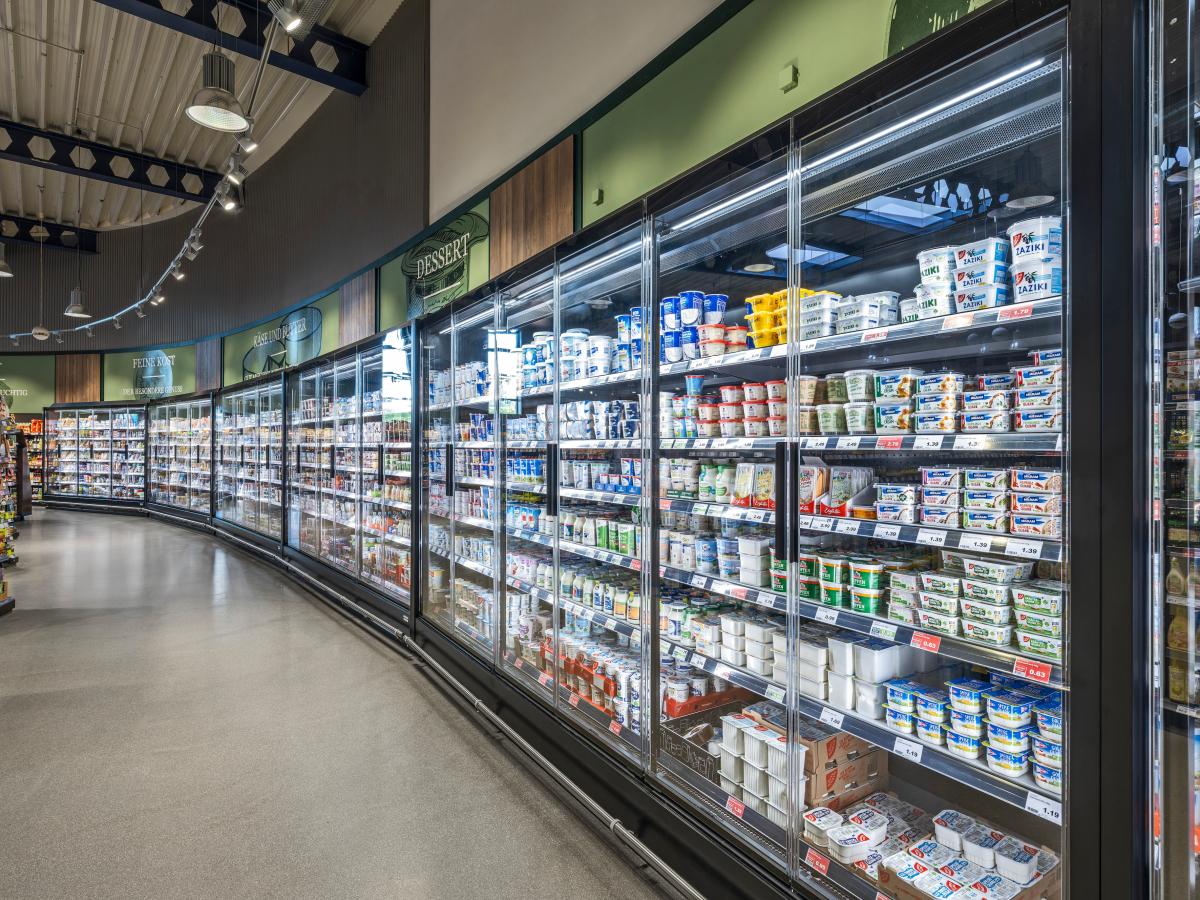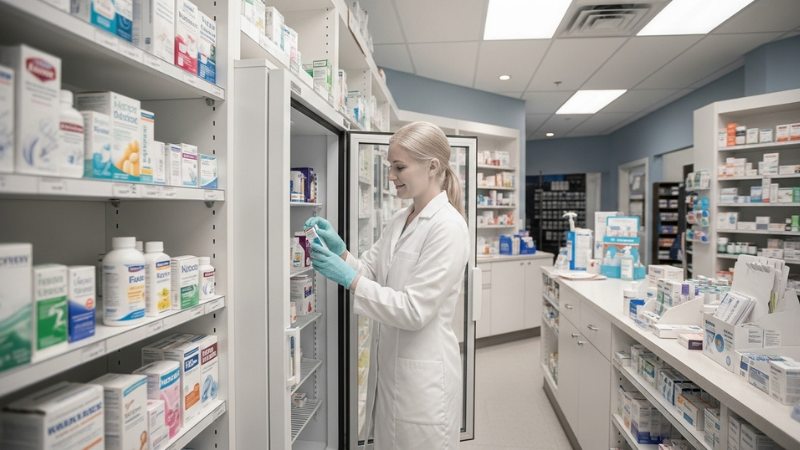
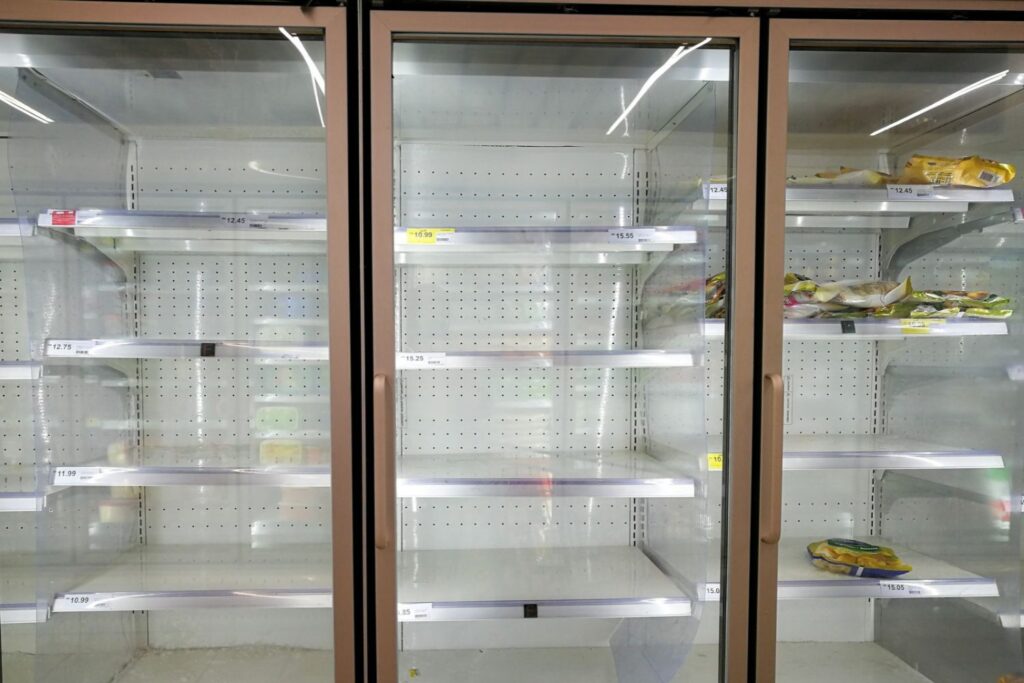
On the night of 11 to 12 October 2026, an overnight cyberattack affected refrigeration systems in hundreds of French supermarkets. Fresh and frozen products had to be discarded after temperatures rose. The incident has highlighted concerns about outdated firmware and equipment that no longer received security updates. As the incident continues to be investigated, the practical consequences included disrupted stores, significant amounts of food waste, and financial losses.
The incident raises questions for every food business using connected technology. How well are we protecting the systems we depend on to keep food safe?
A fridge can look perfectly normal from the outside while the food inside is becoming unsafe. In a connected food business, the cause could be a mechanical fault, a power failure or something less visible like a cyberattack on the system controlling refrigeration.
The digitalisation of food safety management
Managers of food businesses are responsible for a mix of refrigeration units, storage areas, deliveries, hygiene checks, records and regulatory responsibilities (as well as delivering service to customers and managing teams). Much of this work continues around the clock, even when the premises are closed and staff have gone home.
Connected equipment, digital records and temperature monitoring can improve visibility and reduce reliance on someone being physically present to spot a problem. For businesses operating across several locations, these tools can make essential information easier to access and act on.
However, connectivity can also create extra work and responsibilities. The UK’s National Cyber Security Centre warns that increasingly connected operational technology brings security risks alongside benefits such as remote monitoring and maintenance. A cyber incident affecting physical equipment can have consequences beyond the loss of data.
For food business managers, cybersecurity adds a layer of responsibility about operational continuity and food safety, alongside equipment maintenance and staff training.
The role of technology
The French incident provides businesses with a timely reminder to check the technology behind their refrigeration. A unit may keep food cold today while outdated software leaves its controls vulnerable to interference tomorrow.
Start by identifying your connected equipment, its software or firmware version and its support status. Firmware is the software embedded in equipment such as refrigeration controllers. Ask your supplier which systems still receive security updates, and which need an upgrade or replacement.
Make updates part of planned maintenance. Agree who tracks security notices, who installs updates and who checks that the equipment operates correctly afterwards. Work with qualified technicians to schedule and test changes without compromising refrigeration.
If a supplier no longer supports a controller, establish a replacement plan and ask your technical team how to reduce its exposure in the meantime. Do not assume that a functioning fridge has a secure control system.
Control who can access connected equipment
Remote access helps suppliers diagnose faults and maintain equipment, but businesses need to retain control over who can access their equipment.
Change default passwords, give each authorised user an individual account where supported, and restrict permissions to the tasks they need to perform. Protect remote access with multi-factor authentication and remove access when a staff member or contractor no longer needs it.
Ask your IT provider to separate refrigeration controls from guest Wi-Fi and other networks appropriately. Suppliers should use a secure, controlled route for remote support.
These steps reflect National Cyber Security Centre guidance on protecting operational technology. They reduce opportunities for unauthorised access and help limit the consequences if another part of the business’s network suffers an attack.
Choose suppliers who take security seriously
Reliable technology needs reliable support throughout its working life. Ask suppliers to explain their security arrangements in clear terms before you purchase a system, and review those arrangements regularly.
How long will they provide security updates? How quickly will they notify you about a vulnerability or service disruption? Who handles urgent issues outside office hours? What happens when equipment reaches the end of its supported life?
Request clear responsibilities and contact details. Make sure you have a nominated person responsible for coordinating security updates.
Automated alerts allow for faster reactions
Prevention reduces risk. Automated monitoring helps businesses act when a problem still occurs, whether a cyberattack, equipment fault or power failure causes it.
Configure your monitoring system to send notifications as soon as it detects a condition that meets the agreed alert criteria. Those notifications need to reach the responsible people at any hour, including overnight, at weekends and during holidays.
Use suitable channels, such as push notifications, email or voice calls, according to the system’s capabilities and the urgency of the issue.
Set alert thresholds around your food safety procedures. Check how frequently the system measures temperatures and how quickly it delivers notifications. An immediate notification after detection still depends on those settings and a working communication route.
Where supported, enable alerts for missing readings, lost connections and device faults too. A monitoring system that stops reporting needs attention, even if it has not recorded a temperature breach.
Make sure alerts reach someone who can act
An alert at 2am only helps if someone receives it and takes responsibility.
Create an out-of-hours contact rota, assign a backup and set an escalation process for unacknowledged alerts. Keep phone numbers and app settings current. Test the notification route and response arrangements regularly, including outside normal working hours.
Give staff a clear action plan. Identify who can access the premises, contact an engineer and authorise stock movement. Arrange alternative refrigerated storage in advance and confirm that it offers suitable conditions and enough capacity.
Early notification may give a team time to move products before conditions deteriorate further. If stock has already become unsafe, it can still help managers restrict sales, arrange disposal and bring in cleaning teams before customers arrive.
Reducing the impact of fridge failures
Temperature monitoring detects changes in storage conditions; it does not necessarily identify their cause. Businesses still need cybersecurity controls to protect equipment and investigate suspicious activity.
For businesses holding substantial chilled or frozen stock, an incident could put tens of thousands of euro worth of food at risk. Disposal, repairs, cleaning and interrupted trading can add to the cost.
The lesson from France highlights the importance of maintaining supported technology, controlling access and establishing clear communications with suppliers. Make sure that your food safety plan continues after closing time, and not just during business hours.
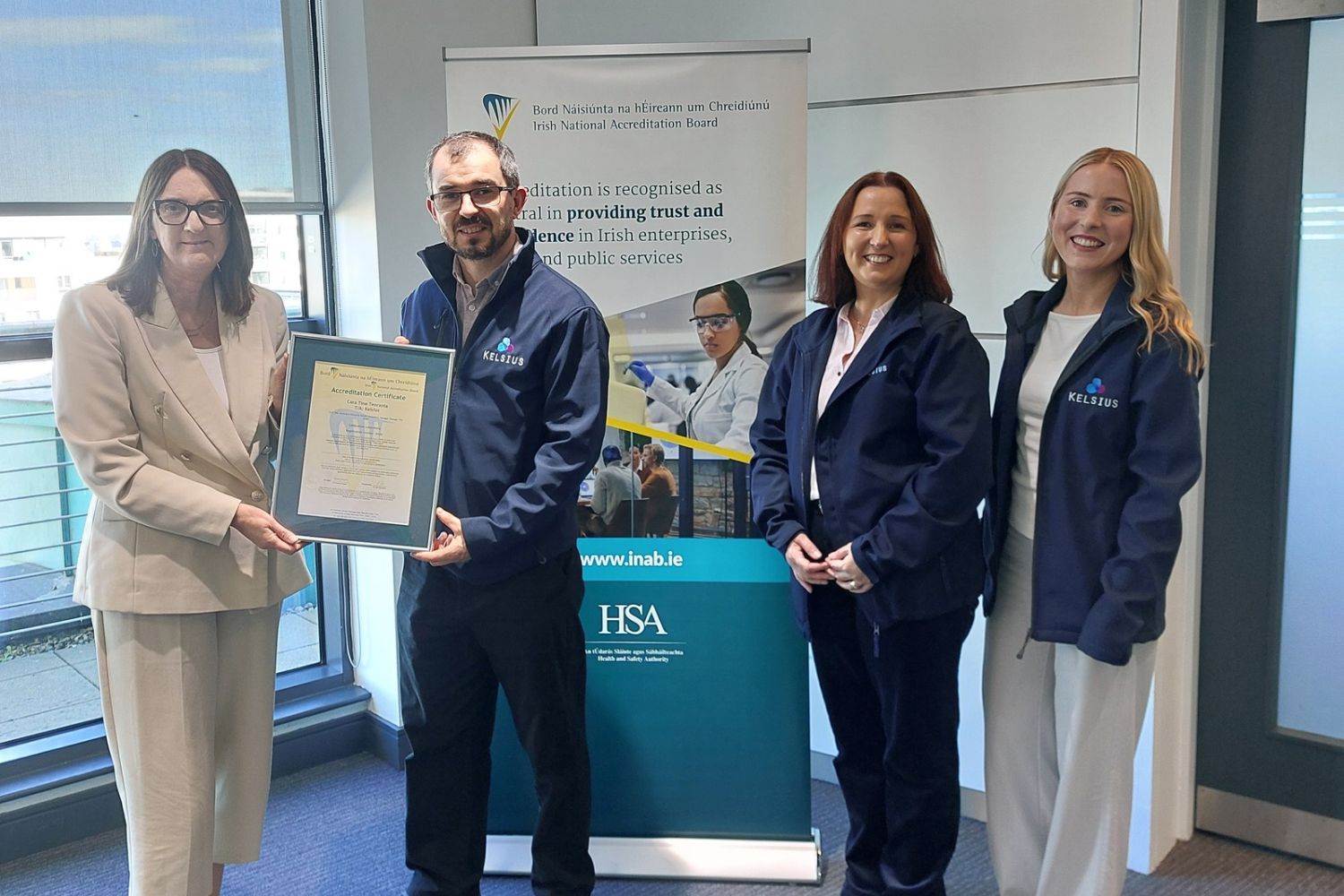
For advice on automated temperature monitoring and 24-hour, real-time temperature alerts, contact Kelsius.
Sources
- BBC News, 13 October: Fridges in French supermarkets hit by cyber attack https://www.bbc.com/news/articles/crq5nzxv9q4yo
- National Cyber Security Centre: Secure connectivity principles for operational technology. https://www.ncsc.gov.uk/collection/operational-technology/secure-connectivity/introduction
- NCSC: Principle 5, Harden your OT boundary. https://www.ncsc.gov.uk/collection/operational-technology/secure-connectivity/principle-5
- NCSC: Principle 7, Ensure all connectivity is logged and monitored. https://www.ncsc.gov.uk/collection/operational-technology/secure-connectivity/principle-7
- Food Safety Authority of Ireland: Principles of HACCP. https://www.fsai.ie/business-advice/running-a-food-business/food-safety-management-system-%28haccp%29/principles-of-haccp